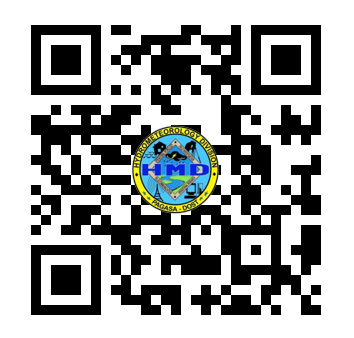
Scan QR Code
Scan the QR code below using your preferred e-wallet or banking app
Bank Details
Payment Instructions
Follow these steps for Online Payment
Prepare
Take note of the unique REFERENCE NUMBER (e.g. HMDAS-S0126001, HMDAS-R0126001, HMDAS-C0126001) of your request which can be found on the "Summary of Request" you received from us and the amount to be paid indicated in the "Order of Payment".
Browse
Open your browser and go to https://bit.ly/hmdpay or Scan the QR Code. Click Pay Now and type or select DOST-PAGASA as the merchant name. Under the transaction you wish to pay select Hydrological Products then click Continue.
Fill out
Fill out the necessary information for the payment. For the Payment Mode, you may select the payment mode of your choice. Make sure to enter the correct Captcha, tick the checkbox, and lastly, review the provided information before clicking the Continue button.
Close it out
Take a screenshot or photo of the Successful transaction as proof of payment and send it out to our email. Once the data is prepared you will be requested to complete the Customer Service Feedback form, to further improve the delivery of our services.
Important Reminder
Always include your Request Reference Number (e.g. HMDAS-S0126001, HMDAS-R0126001, HMDAS-C0126001s) in the payment for faster verification.